


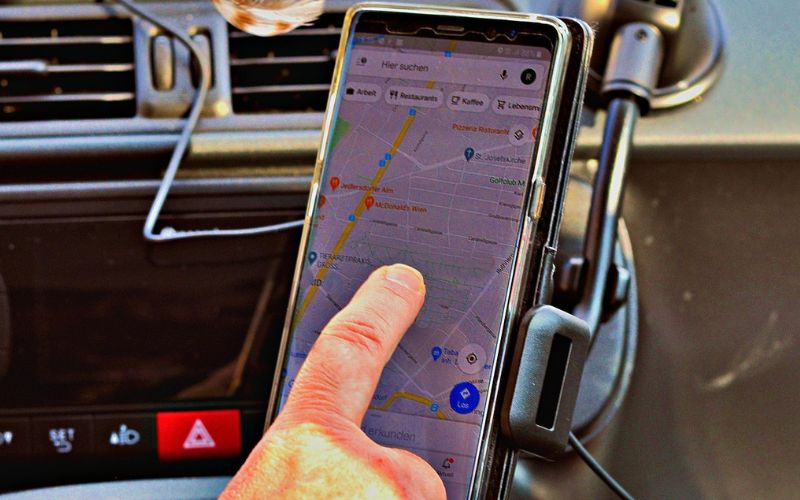
Whether you are driving to a desired location or just checking for updates on your food order, you might have noticed that these apps are acting up. Be it Google Maps or Talabat’s track my rider feature, nothing shows an accurate location in the UAE. If you have noticed this and you are worried, you are not alone in this. This is happening due to the ongoing war situation. Let me explain.
GPS App Issues in the UAE
Across the UAE and parts of the Middle East, many people are experiencing problems with navigation apps like Google Maps and Waze. Not only these, but even delivery apps like Talabat and Noon and even ride hailing apps like Careem are facing simmilar issues. Some of the common problems people are reporting include:
- Your location is jumping around on the map
- The car icon is drifting off the road
- Google Maps is showing the wrong location
- Waze is constantly recalculating routes
- GPS signal appears weak or inaccurate
Because these apps rely on satellite navigation, even small disruptions can affect how accurately they detect your position. Recent reports show that navigation systems across the Middle East are experiencing unusual GPS disruptions, affecting smartphones and even the sat nav system built in some cars.
Why Are These Issues Appearing?
The issue is largely connected to the GPS interference in the region. Two main technologies can cause this.
GPS Jamming
GPS jamming blocks satellite signals by flooding the area with radio interference. When this happens, devices struggle to determine their exact location.
If your phone cannot receive a clear satellite signal, navigation apps may display errors or fail to update your position correctly.
GPS Spoofing
GPS spoofing is more complicated.
Instead of blocking signals, spoofing sends fake satellite signals that trick devices into believing they are somewhere else.
For example, your phone might think you are on a nearby road, in a different neighborhood, or even in the sea.
According to reports, GPS jamming and spoofing activity has increased sharply across the Middle East, affecting navigation systems used by smartphones, aircraft, and ships. As per an article on The National, these jamming and spoofings help in fooling the drones coming into the airspace. These spoofings also help in protecting important buildings around the city.
So, yes, because of the geopolitical tension in the region, the GPS is getting affected in the area. But this is a very small price to pay for all the protection it gets us.
What’s the Solution to This?
Unfortunately, when the problem comes from satellite interference, there is no perfect fix on the user side. However, a few things can help improve accuracy.
Turn on Wi-Fi for better location accuracy
Even if you’re not connected to a network, enabling Wi-Fi allows your phone to use nearby routers to estimate your location more accurately.
Restart location services
Turning your phone’s location services off and back on can sometimes help it reconnect to GPS satellites.
Switch between navigation apps
Sometimes switching between different apps like Google Maps, Waze and Apple Maps can help as one app might be able to catch signals better than the other.
Use offline maps as backup
Downloading offline maps can help maintain navigation even if your GPS signal becomes unstable.
Besides these, for now, the best approach is simply to stay aware of the issue and rely on visual road signs and route familiarity whenever the GPS starts acting up.
